Sponsoring vTag: a self-serve guide to reaching tech readers in their inbox
How vTag sponsorships work: where your placement appears, how to book a day or a week from the dashboard, and how to write a sponsored story people actually read.

The vTag Team
3 min read
vTag readers chose to be here. They signed up, picked the topics they care about (AI, software development, startups, security and more) and asked us to send them the tech videos worth their time. A sponsorship puts your product inside that issue, in the same format as everything around it.
This guide covers what a sponsorship looks like, where it can run, how booking works and how to write one that people actually read.
A story, not a banner
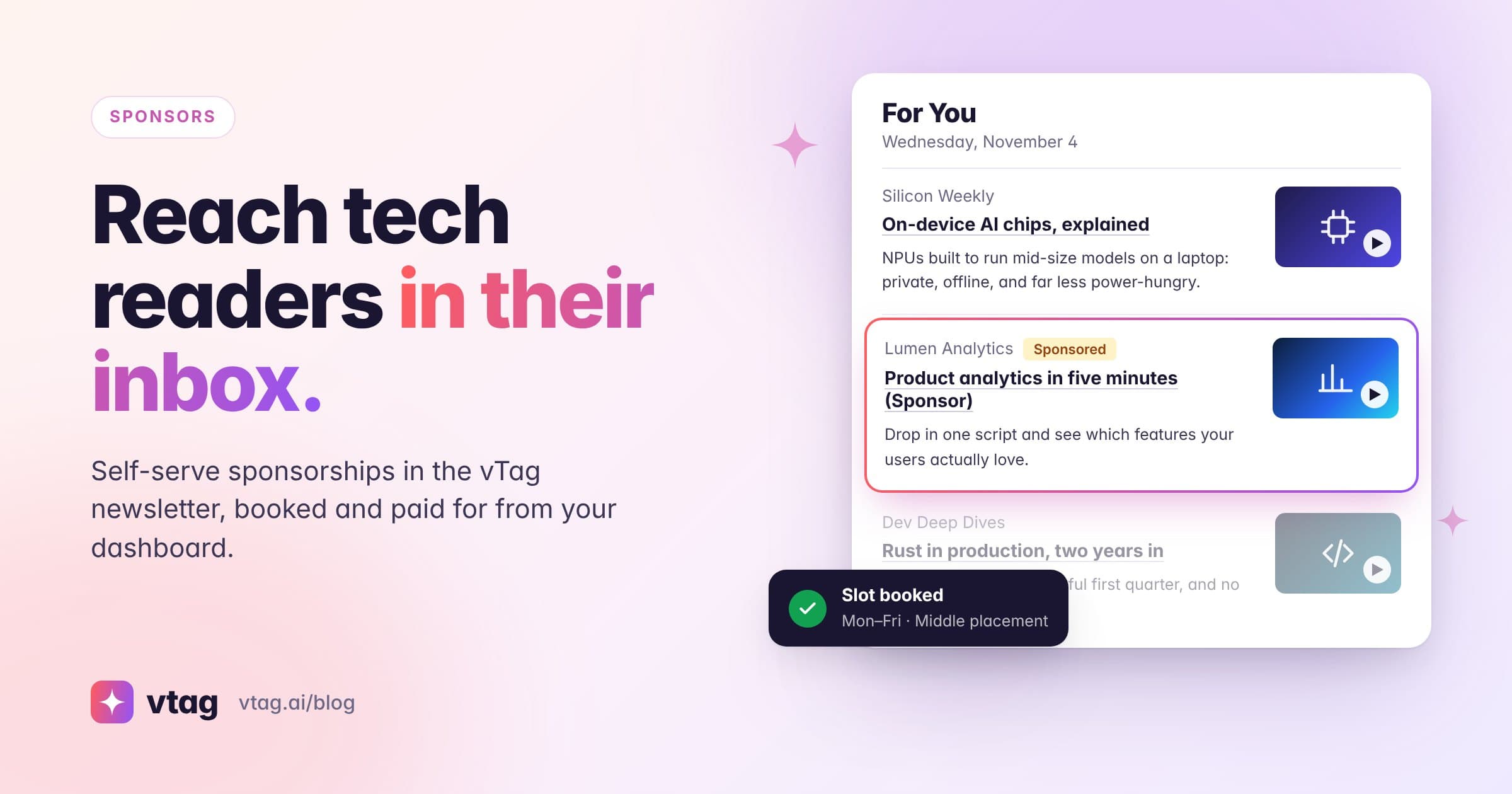
A vTag sponsorship isn't a banner or a pop-up. It's a story in the issue, built exactly like the video stories around it:
- your company name, with a clear Sponsored label next to it,
- a title linking to your video, marked (Sponsor),
- a short summary in your own words,
- a thumbnail, and
- a link to your landing page.
Because it looks and reads like the rest of the issue, it gets read like the rest of the issue. Because it's always clearly labelled, readers never feel tricked, which is what keeps them opening the next one.
Where your sponsorship appears
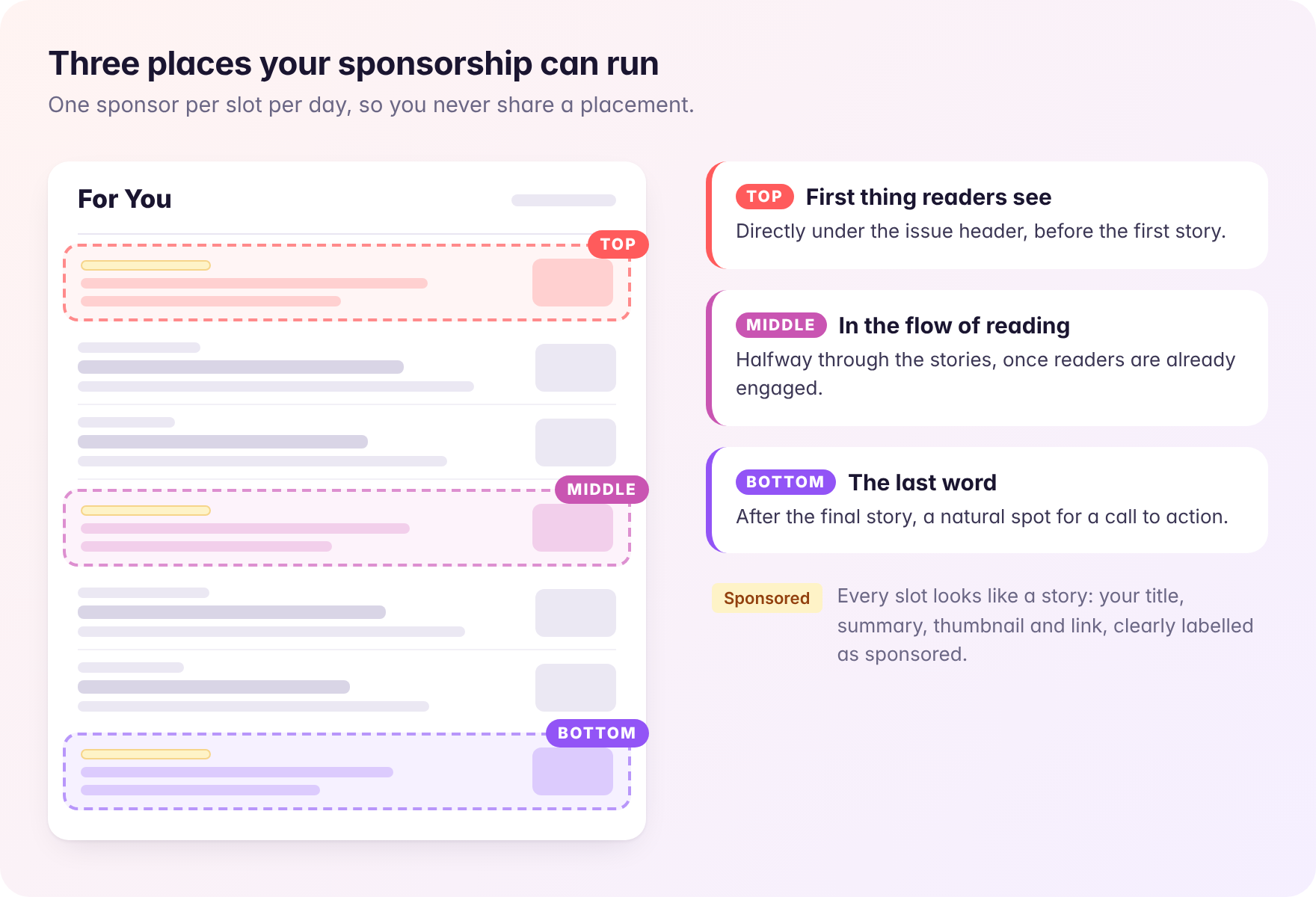
| Slot | Where it appears | Good for |
|---|---|---|
| Top | Directly under the issue header, before the first story. | Launches and announcements you want everyone to see. |
| Middle | Halfway through the stories, once the reader is engaged. | Products that need a sentence or two of explanation. |
| Bottom | After the last story. | A clear next step: a sign-up, a trial, an event. |
Each slot holds one sponsor per day. Once a slot is booked for a date, nobody else can take it, so you never share your placement with a competitor.
Before you start: sponsor access
Sponsorships are booked from a vTag account with sponsor access. Create a free account, then contact us to have sponsor access turned on. We check each new sponsor once, up front, which helps keep the newsletter trustworthy for readers.
How booking works
Once your account has sponsor access, everything happens in your dashboard. No sales call, no insertion orders, no back-and-forth over email.
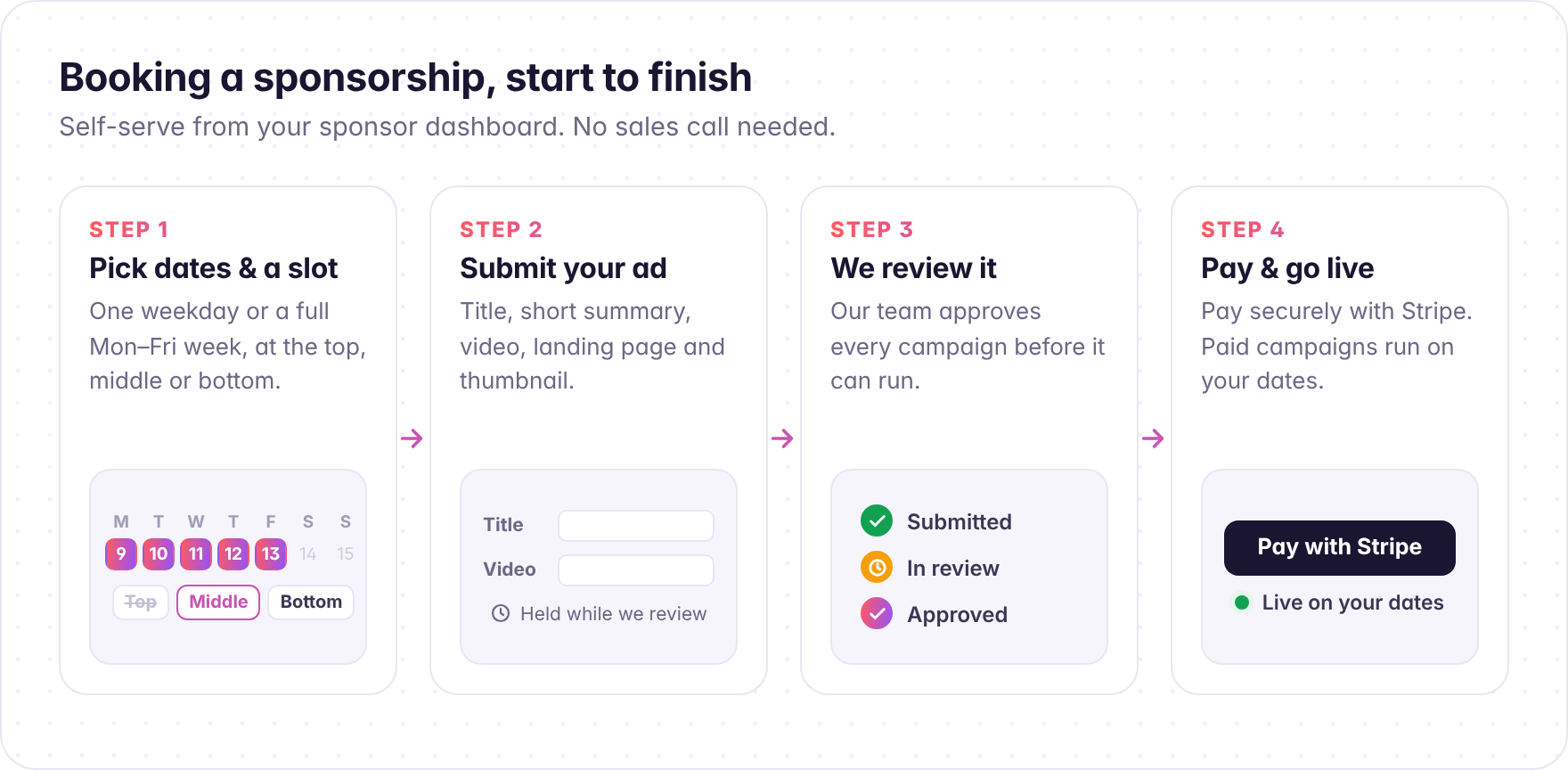
- Pick your dates and a slot. Book a single weekday or a full week, Monday to Friday. Week-long bookings get the weekly rate. The calendar shows which dates are still open for the slot you want. Weekends and past dates aren't bookable.
- Submit your ad. Add your company name and website, a campaign title, a short summary (up to 1,000 characters), the YouTube video you want to feature, your landing page, and optionally a thumbnail. The price for your dates is shown before you submit.
- We review it. Your slot is held while our team reviews the campaign, so nobody can grab it in the meantime. We approve every sponsorship before it runs. If something needs changing, you can edit the campaign and resubmit.
- Pay and go live. Once approved, pay with Stripe Checkout straight from your dashboard. If you close the checkout tab by accident, just click Pay now again and you'll pick up the same session without being charged twice. Approved, paid campaigns run on your dates.
Your dashboard shows each campaign's review and payment status, plus a preview of how your story will look. Want to run the same campaign again later? Use Copy to start a new booking with everything pre-filled.
Writing a sponsored story that works
The stories around yours are summaries of videos people chose to hear about. The sponsorships that do best fit right in:
- Lead with what the reader gets. "See which features your users actually love" beats "The leading product analytics platform".
- Keep the summary short. Two or three sentences. Readers scan, and the details belong on your landing page.
- Pick a video that stands on its own. A focused two-minute demo usually beats a long brand film.
- Use a clean, simple thumbnail. It appears small in the email, so bold shapes and little or no text work best.
- Make the landing page match the promise. If the story says "five minutes to set up", the page should show how.
Ready to book?
New to sponsoring vTag? Get in touch to set up sponsor access, or ask us anything about placements and dates. Already set up? Head to the sponsor dashboard to check open dates and start a campaign.